Billing
Billing is where you choose a plan, top up credits, see what you have paid, manage your cards and cancel.
Open Billing
- In the sidebar, click your name.
- Click Subscription.
Result: the Billing page opens. It shows your current plan and when it renews, your credit usage, your default card and every plan you can switch to.
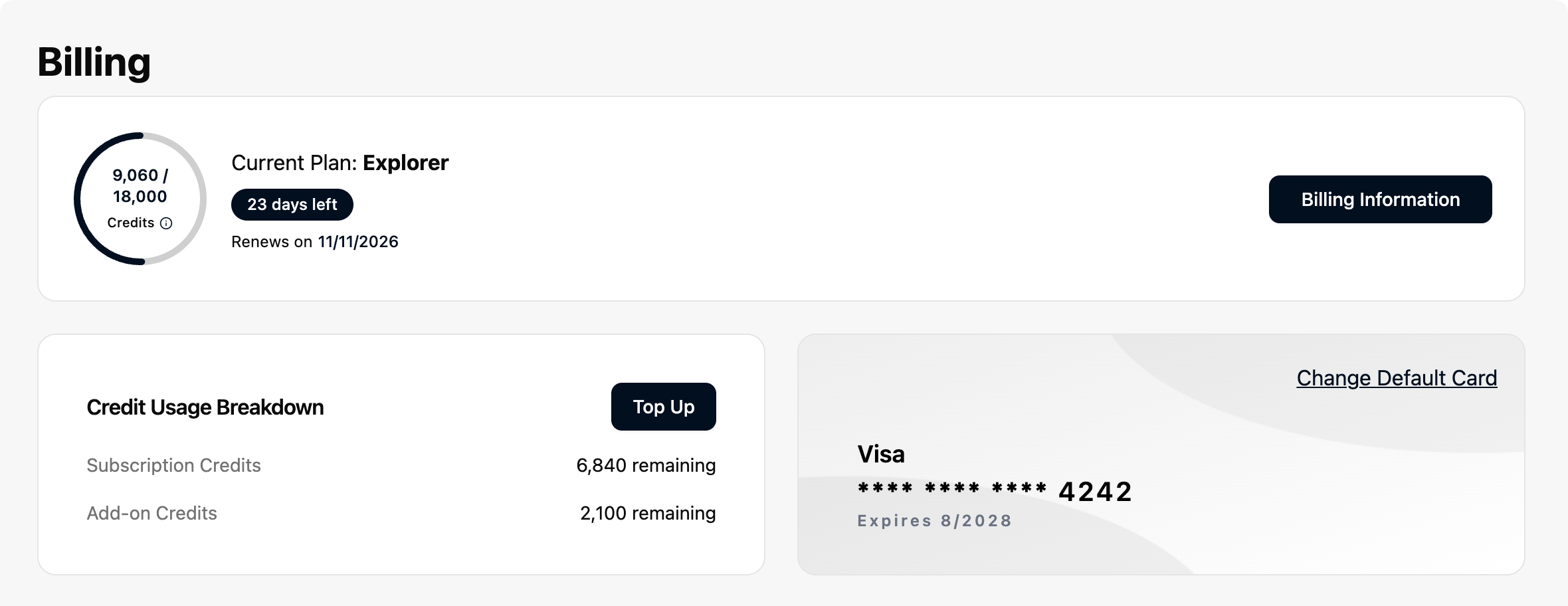
Click Billing Information for the rest: Billing History, Payment Methods and Manage Subscription.
If you are not on the Pro plan, the same menu has an Upgrade button that opens this page.
What each page covers
| I want to... | Go to |
|---|---|
| Pick a plan and a term, upgrade or downgrade | Choosing a plan |
| Add credits before my plan renews | Top up credits |
| See what I paid or what is still to come, pay a failed payment, or get a receipt | Billing history and invoices |
| Add, change or remove a card | Payment methods |
| Stop my subscription | Cancel your subscription |
To see what your credits were spent on, open Analytics. The rules for how each kind of work is counted are in How credits are counted.